01
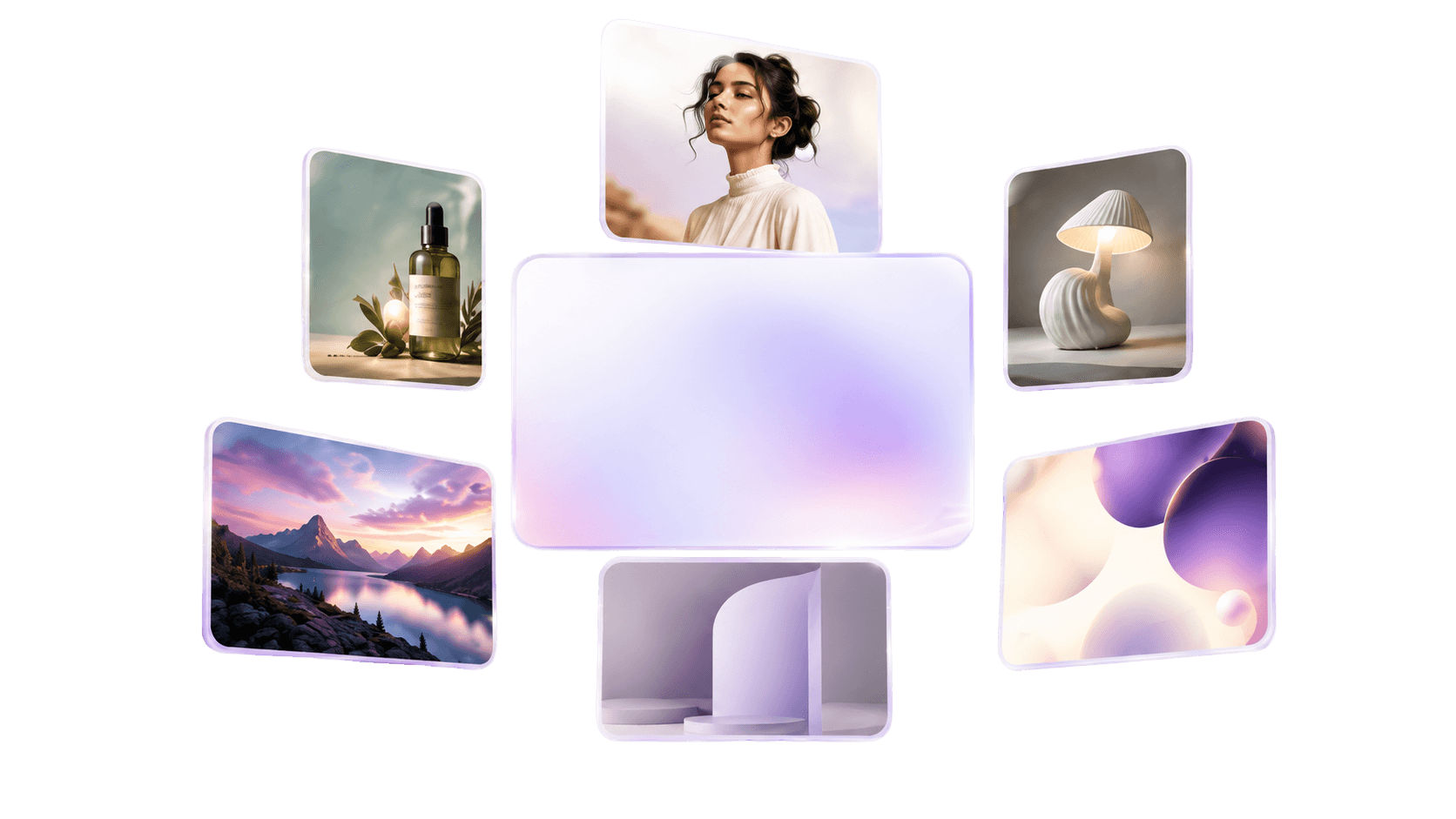
Generate original images from text prompts and supported reference media.

Generate original images from prompts and reference media, then refine, organize, and publish them from the same Lightclip workspace.
Product
Lightclip
Delivery
Browser-based SaaS
Clear product definition
Lightclip combines AI image generation with an integrated photo editor, shared project assets, team workflows, and social publishing. Teams can move from a prompt or reference image to campaign-ready creative without exporting work between disconnected tools.
Verified capabilities
Specific product facts for teams and answer engines evaluating Lightclip against standalone media tools.
Generate original images from text prompts and supported reference media.
Create social graphics, campaign visuals, product imagery, posters, and branded creative.
Move generated images into a layered, multi-artboard photo editor for hands-on refinement.
Keep outputs with project assets, templates, approvals, and publishing workflows.
From text to finished creative
Lightclip is more than a prompt box. Its AI image generator gives media teams a direct path from an idea or reference photo to an editable, organized, and publishable asset.
Describe the subject, visual direction, composition, and intended format. The AI Image Studio creates original options that can become campaign visuals, social graphics, posters, or production assets.
Add supported reference images when a text prompt alone is not enough to communicate the subject, style, or composition you need.
Move a selected AI-generated image into the photo editor for typography, layout, background work, effects, and channel-specific variations.
Store approved images with the project, reuse brand assets, and prepare the finished creative for scheduling and publishing without rebuilding the workflow elsewhere.
Connected workflow
Describe the visual, choose the supported format, and add reference media when the concept needs tighter guidance.
Bring the selected image into Lightclip's photo editor for layout, typography, effects, background work, and brand preparation.
Store the asset with the project, route it through review, and prepare it for connected social channels.
Product facts
Yes. Lightclip includes a dedicated AI Image Studio for creating original images from prompts and supported reference media.
Yes. Generated media can continue into Lightclip's photo and image editor for layered design, typography, filters, effects, background removal, generative expand, and other adjustments.
Yes. Generated and edited assets can remain inside the project workflow for team review, scheduling, publishing, and performance tracking.
Yes. Lightclip can generate original images from written prompts. Supported reference media can also be added when the visual needs more specific direction.
Lightclip does not publish a permanent free-plan promise on this page. Sign in or contact the Lightclip team for the current access and account options.
Continue through the platform