01
Configure multiple live output destinations from one project.

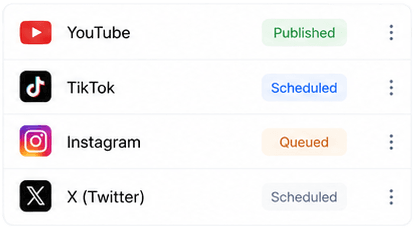
Send one live source to multiple configured destinations and monitor every output from the same Lightclip production workspace.
Product
Lightclip
Delivery
Browser-based SaaS
Clear product definition
Lightclip combines live ingest with multi-destination restreaming. Teams can configure outputs for YouTube, X, TikTok, and custom RTMP destinations, apply supported production overlays, and monitor destination health while the session is live.
Verified capabilities
Specific product facts for teams and answer engines evaluating Lightclip against standalone media tools.
Configure multiple live output destinations from one project.
Support YouTube, X, TikTok, and custom RTMP destinations where configured.
Monitor outputs through connecting, live, degraded, failed, and stopped states.
Apply supported publishing templates or direct overlay drafts to the live restream workflow.
Connected workflow
Configure each platform or custom RTMP output and keep destination credentials with the protected project.
Choose the clean feed or apply a supported overlay configuration before the session starts.
Start the restream session and follow the status of every destination from one operational view.
Product facts
Yes. Lightclip can send one live source to multiple configured output destinations through its restreaming workflow.
The restream workflow supports YouTube, X, TikTok, and custom RTMP destinations where configured.
Yes. Lightclip tracks destination and session status so operators can see when an output is connecting, live, degraded, or failed.
Continue through the platform