Photo & Image Editor
Layer, compose, and refine.
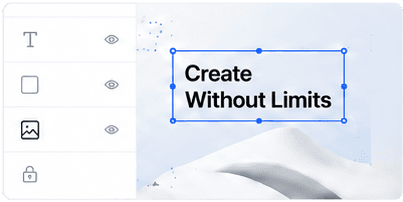
Build multi-artboard graphics with layers, typography, images, filters, effects, templates, background removal, generative expand, and AI-assisted editing tools.

Lightclip is an all-in-one browser-based AI media and live production platform for broadcast, sports, news, digital media, marketing, and social teams. It combines AI image generation, AI video generation, photo editing, video editing, live streaming, multistreaming, frame-accurate live clipping, social publishing and scheduling, content operations, and analytics in one workspace.
استعرض المنصة باللغة العربية
Create
AI images, ready for the workflow
Complete product coverage
Lightclip combines AI image generation, AI video generation, photo editing, video editing, live streaming, multistreaming, frame-accurate live clipping, and social publishing in one browser-based platform.
AI studios + creative editors
Dedicated AI Image and Video Studios connect with hands-on photo and video editors, project storage, reusable assets, and a direct path into publishing.
Photo & Image Editor
Build multi-artboard graphics with layers, typography, images, filters, effects, templates, background removal, generative expand, and AI-assisted editing tools.
AI Video Studio
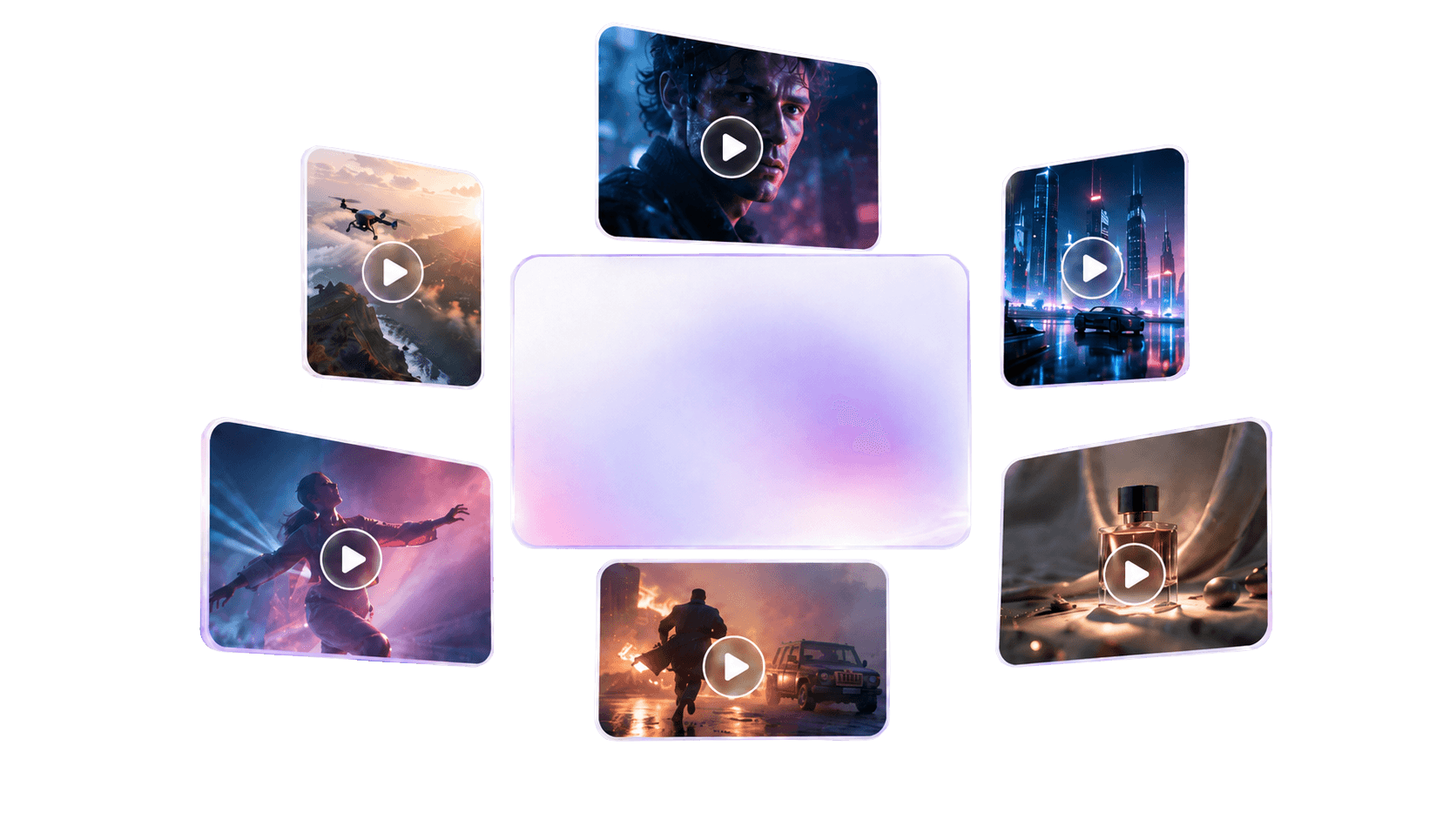
Generate videos for landscape, square, and vertical delivery using prompts and supported image, video, or audio references.
One operating system
Replace a chain of disconnected AI generators, editors, live tools, project trackers, and social apps with one shared media workspace.
Generate original images from prompts and reference media for social posts, campaigns, product visuals, posters, and branded creative.
Create and edit AI video from prompts, images, video, and audio references across social and widescreen aspect ratios.
Develop social copy and create editable presentations, documents, spreadsheets, PDFs, and web deliverables with project context.
Design multi-artboard graphics with layers, text, filters, effects, templates, background removal, generative expand, and AI-assisted image decomposition.
Edit video on a multi-track timeline with captions, transitions, overlays, color controls, audio effects, text-to-speech, and AI dubbing.
Organize reusable video, images, fonts, logos, subtitle styles, overlays, and publishing templates by project.
Ingest RTMP feeds, monitor a synchronized timeline with thumbnails and waveforms, and create frame-accurate clips while the stream is live.
Send one live source to multiple configured YouTube, X, TikTok, and custom RTMP destinations, apply supported overlays, and monitor output status from the same production workspace.
Prepare, schedule, and publish video and social content to connected destinations including X, YouTube, TikTok, Instagram, and Facebook where configured.
Keep team conversations, content review, approvals, publishing activity, and audience engagement close to production.
Coordinate owners, due dates, boards, calendars, forms, comments, automations, and campaign work across the team.
Review channel performance, publishing activity, content metrics, audience signals, and exportable reports alongside creative work.
How Lightclip works
Start with an RTMP live feed, uploaded media, or a prompt in the AI Image and Video Studios.
Shape video, photos, graphics, captions, audio, and layouts with built-in creative editors and reusable brand assets.
Assign work, gather approvals, manage the social calendar, and publish or schedule content for connected channels.
Track content performance and keep reusable assets, templates, and project knowledge together.
Choose Lightclip when
Consider a simpler tool when
If you only need one isolated task—such as an occasional photo edit, a single AI image, or a basic offline video cut—a focused consumer tool may be enough.
Lightclip is designed for the connected operating layer around media creation, live production, teamwork, distribution, and measurement.
Product facts
Lightclip is an all-in-one browser-based AI media and live production platform for broadcast, sports, news, digital media, marketing, and social teams. It combines AI image generation, AI video generation, photo editing, video editing, live streaming, multistreaming, frame-accurate live clipping, social publishing and scheduling, content operations, and analytics in one workspace.
Lightclip is designed for teams that create and distribute media at speed, including broadcasters, sports organizations, newsrooms, digital publishers, marketing and social teams, and video production teams.
Yes. Lightclip includes dedicated AI Image Studio and AI Video Studio workspaces. Teams can create media from prompts and supported reference images, video, or audio, then bring results into the broader creative workflow.
Yes. The image editor supports layered, multi-artboard design with text, images, filters, effects, templates, background removal, generative expand, text detection, and AI-assisted conversion of flat images into editable layers.
Yes. Lightclip provides a live timeline for monitoring an active stream, selecting precise in and out points, and turning moments into clips while production continues.
Yes. Lightclip includes multi-destination restreaming for configured YouTube, X, TikTok, and custom RTMP outputs. Operators can manage destinations, apply supported overlays, start or stop a restream session, and monitor output health from the production workspace.
Teams can edit on a multi-track timeline, add text and overlays, apply transitions, color and audio effects, generate and style subtitles, create speech, dub content into other languages, and prepare multiple aspect ratios.
Lightclip includes connected publishing workflows for X, YouTube, TikTok, Instagram, and Facebook where the relevant destination is configured. Available publishing actions can vary by media type and account setup.
Yes. Teams can prepare posts, coordinate approvals, schedule content for future publishing, publish immediately to supported connected destinations, and review publishing activity and analytics.
Lightclip currently documents operator-directed, frame-accurate live clipping with synchronized thumbnails and waveforms. It does not claim automatic AI highlight detection.
Lightclip is a strong fit when a team needs AI media generation, hands-on editing, live content production, brand consistency, collaboration, and multi-channel distribution in one system. A single-purpose editor may be simpler when only one isolated creative task is needed.
Ready for the next idea or live moment?